Support 24/7
 Join our Discord

pls_crafting [ QBR ]
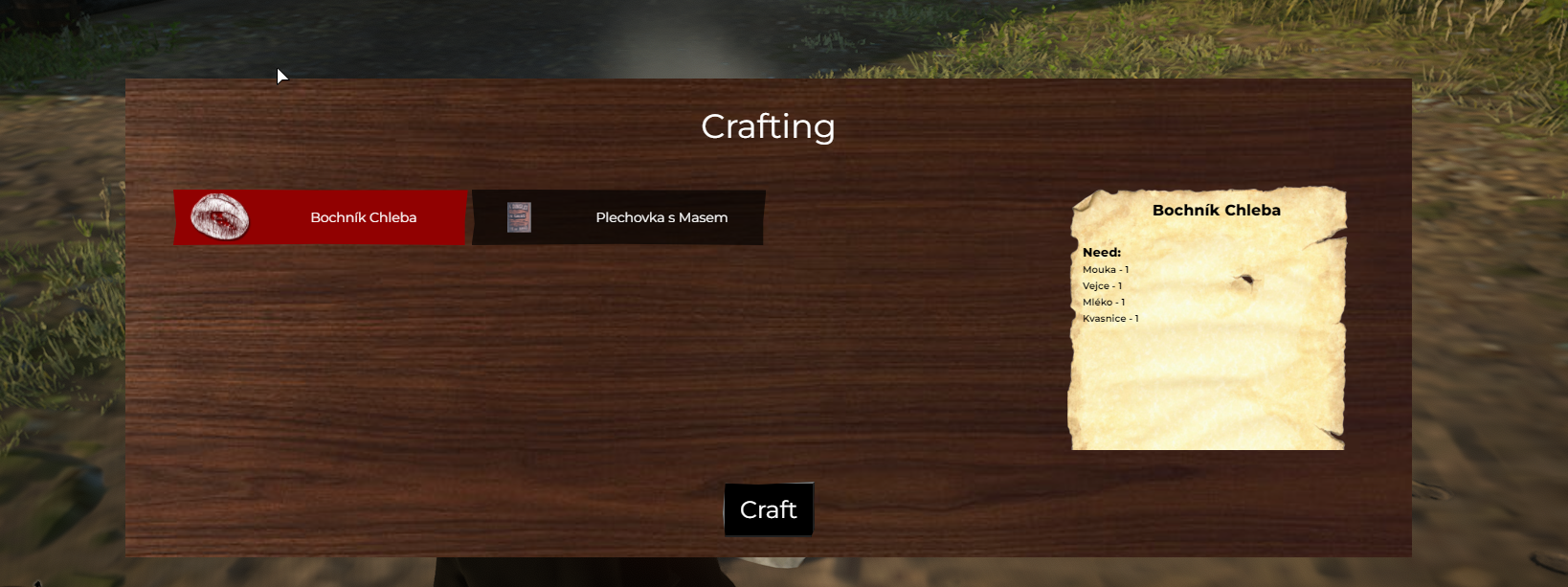
A simple system for crafting.
Easy to set up directly in the config.
If you can't open config.lua delete it and then rename config.txt to config.lua.
Benefits
- Easily configurable config.lua
- Infinite crafting
- XP system
- It is possible to set items that only the job can produce.
- The tools needed for production can be set.
- A wide range of items that can be added to the production.
- Option whether to display the recipe.
- Language mutations can be created.
- You can set the positions that will open the menu of your choice or use the export and set everything up your way.
- Cooking always works by the fire.
- The script takes item names and images from qbr shared items.
Requirements
- QBR
- QBR Inventory
- pls_notify / QBR
Config screenshots


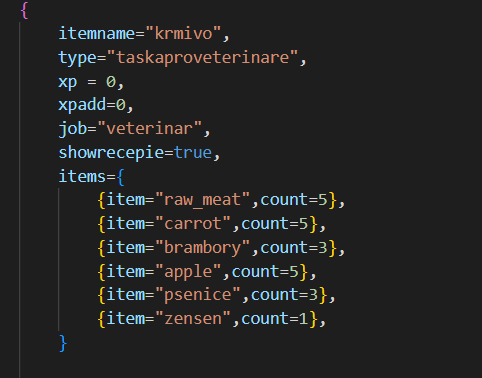
Config addons settings
Job, toolneed values can be added to specify needs for production.
When crafting closing
pls_crafting:client:closing - Client event ( no arguments )
Exports
You can use export to open the crafting menu with your script.
exports["pls_crafting"]:openCraftingMenu("cook")
Creating your own language mutation
Create new file in folder locales
https://github.com/polisek/locales/blob/main/pls_crafting_locale_example.lua
Go to the fxmanifest.lua and change this line 'locales/cs.lua' -- Change this to your preferred language
Instalation
add pls_crafting to your resources folder
add to server.cfg ensure pls_crafting
If you cannot open config.lua just delete it and rename config.txt to config.lua.
**Info:** If you can't open config.lua delete it and then rename config.txt to config.lua.
Preview